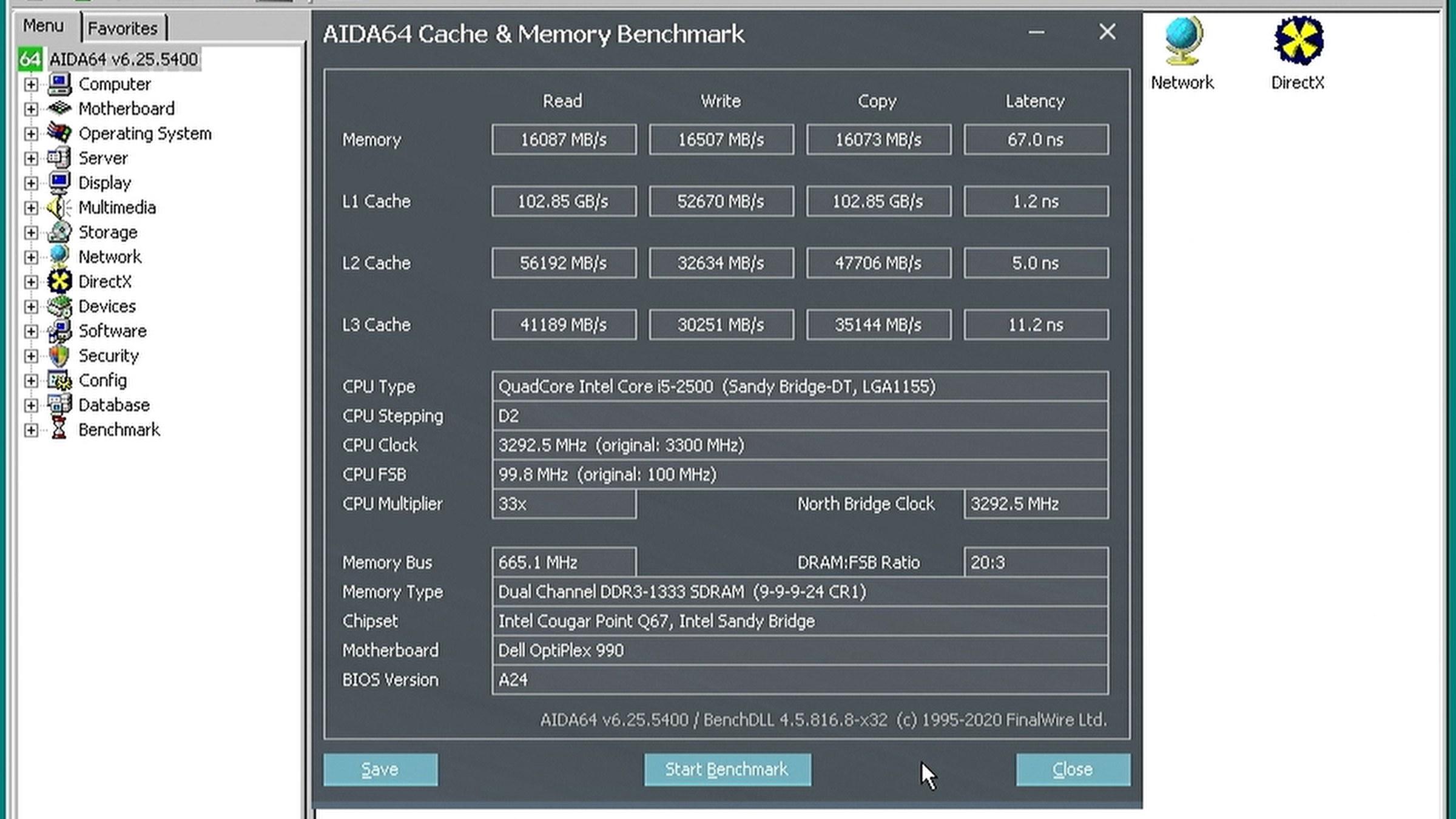
After playing with Windows XP on my “new” Optiplex 990 I asked myself a question: “Would Windows 98 SE run on this Sandy Bridge as well?” By running I mean: accelerated 3D graphics and 3D audio (EAX) without any hangs or lockups, being able to play games and run benchmarks.
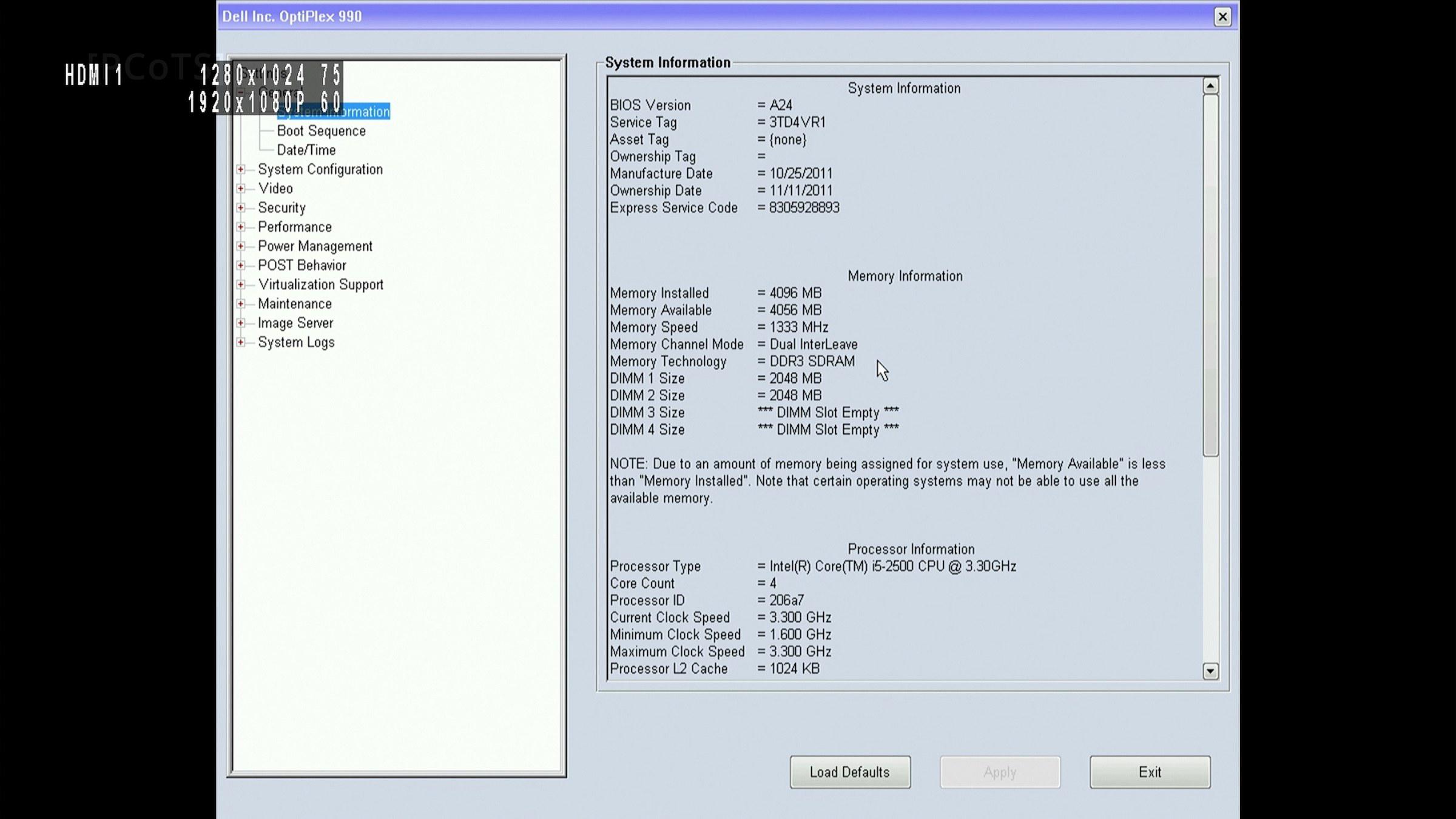
| Component | my Optiplex 990 configuration |
|---|---|
| CPU | Core i5 2500 |
| Chipset | Q67 (Sandy Bridge, 6-series PCH) |
| RAM | 4GB, 2+2, dual channel DDR3-1333 |
| GPU | Radeon X550, 64bit (most retro part in here) |
| Sound | Sound Blaster Audigy (SB0090) in the PCI slot |
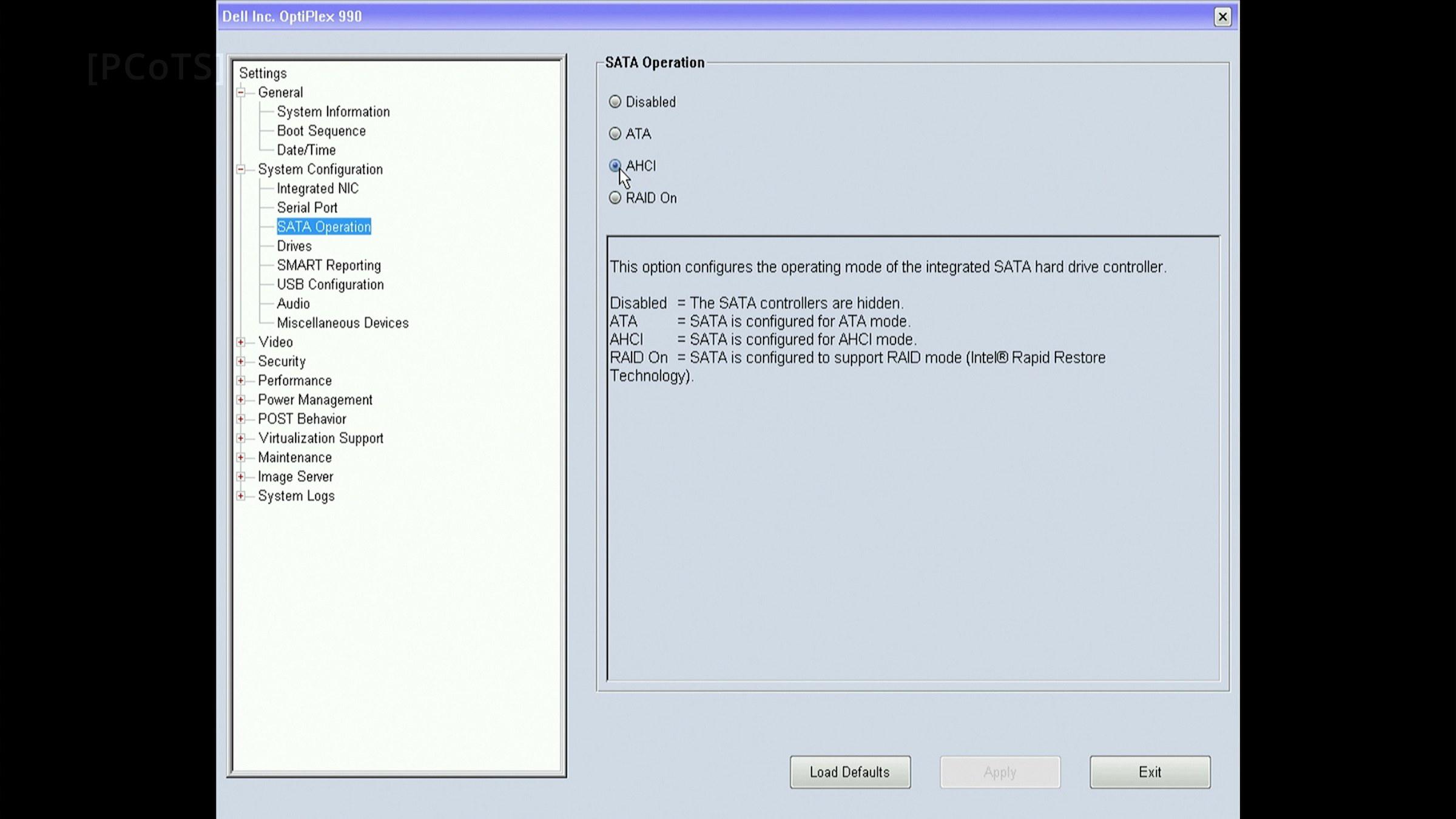
| Storage | 128GB SATA (BIOS SATA == AHCI) |
| Other | USB keyboard and mouse, one PS/2 mouse so I could install USB drivers |
| Turned OFF: | onboard: GPU, NIC, sound; UEFI boot (legacy boot), all power saving/sleep states, virtualization, remote management |
Table 1 — the test subject.
I knew it wouldn’t be easy.
There is a reward though. Apart from bragging rights, Win98 is an incredibly lightweight system. We are talking about megabytes here - whether it is the RAM used or files loaded at startup. It feels like firmware today and loads instantly. It is still DirectX 9.0c capable, though, and that is something to think about.
The Journey
This whole journey is enticing because detailed control over the hardware must be in your hands - Windows 98 does not know what surrounds it in most cases.
Going through the exact process of exploration would be pointless. It took me over two weeks of my free time and I went through ups and downs, overcoming one obstacle after another, only to finally realize that I had met the goal. I felt the joy of an achievement which only a true engineer could appreciate.
I skipped all theoretical preparation: loaded Easy2Boot onto a USB key, ran FreeDOS fdisk and partitioned my 128GB SSD. A trusted Win98 SE OEM ISO came next, it can boot by itself, a great feature for a machine without an FDD/emulator.
HIMEM.SYS refused to load, so there was no extended memory to boot with, and setup.exe hung after every workaround I tried. It was official: The experience from installing Win98 on Core 2 Duo systems won’t transfer to a Sandy Bridge platform.
I started to treat this project seriously, with respect. As if it were a paid project I had to debug.
The Lab
I established the following facilities for my diagnosis and testing efforts:
- DOSBox-X and QEMU virtual machines on a separate PC
- Debian 13 on a secondary SSD (right there, in the Optiplex 990)
- a USB stick to carry all patches and files needed
- SATA-to-USB 3.0 adapter, so I could inspect logs and state on the Win98 partition between each attempt
The SSD preparation was done completely from Linux (Debian 13) - cleaner and faster than tinkering with fdisk and period-correct tools. I copied all install files over and also system files from a Win98 boot floppy, modern components (XMGR, patched CAB, W9xFix) and tools like EDIT or Volkov Commander to make it more convenient to adjust files in DOS mode.
The setup was started with setup.exe /IS /IE /IM /NM /p i. That skips the startup disk wizard, memory and machine checks, ScanDisk and most importantly /p i tells Setup not to report the Plug and Play BIOS at all, resulting in a “standard PC” installation. The board is ACPI of course, but its tables are 12 years younger than the parser and would just confuse Win98 unnecessarily. Linux later proved that ACPI mode would not have helped anyway. The ACPI tables route the Management Engine (MEI) onto a shared line just the same.
The Intel Management Engine is an autonomous subsystem that has been incorporated in virtually all of Intel’s processor chipsets since 2008. The Intel Management Engine has been renamed to Intel CSME - Intel Converged Security and Management Engine (several years after Optiplex 990 was released). Wikipedia
The setup was pre-patched using WIN98_54.CAB, the cabinet with rloew’s RAM Limitation Patch already applied to VMM and VCACHE. Setup installs the patched kernel from the first GUI start, so no 1GB limit at any point.
Getting Setup through
Initial attempts were hanging right at the start. I had to focus on the HIMEM and setup.exe hangs.
One obvious problem was the A20 gate, which is by default toggled by HIMEM on startup. It cannot be turned off on this PC. HIMEM can leave it alone with the /a20control: switch. Set /A20CONTROL:OFF and HIMEM will only take control of the A20 line if it was turned off when the driver loaded. If the A20 line is already active, HIMEM leaves it alone.
After that it hung anyway. I didn’t investigate further and switched to XMGR.
XMGR is a DOS extended memory manager (
XMGR.SYS) that handles up to 4GB of XMS (Extended Memory Specification) RAM. Written by Jack R. Ellis, it serves as a lightweight alternative to traditional managers likeHIMEM.SYS. Vogons Wiki
The second hang was right at the start of the GUI part of Setup. The IOS.VXD hang failed to reproduce in emulators, but finally the disassembly provided a hint: It reads sector 0 and if the 16-bit word at offset 0xDA and the 32-bit dword at offset 0xDC are both zero, it builds a “disk stamp” from the BIOS time, writes the MBR back with INT 13h, re-reads it and compares. By trying this operation in isolation I verified that a CHS write like that never returns from the BIOS on this PC. My workaround was simply to pre-stamp the drive from Linux so IOS.VXD never enters this path. The problem technically remains unsolved.
IOS.VXD is the core 32-bit I/O supervisor virtual device driver in Windows 9x and Windows Me operating systems.
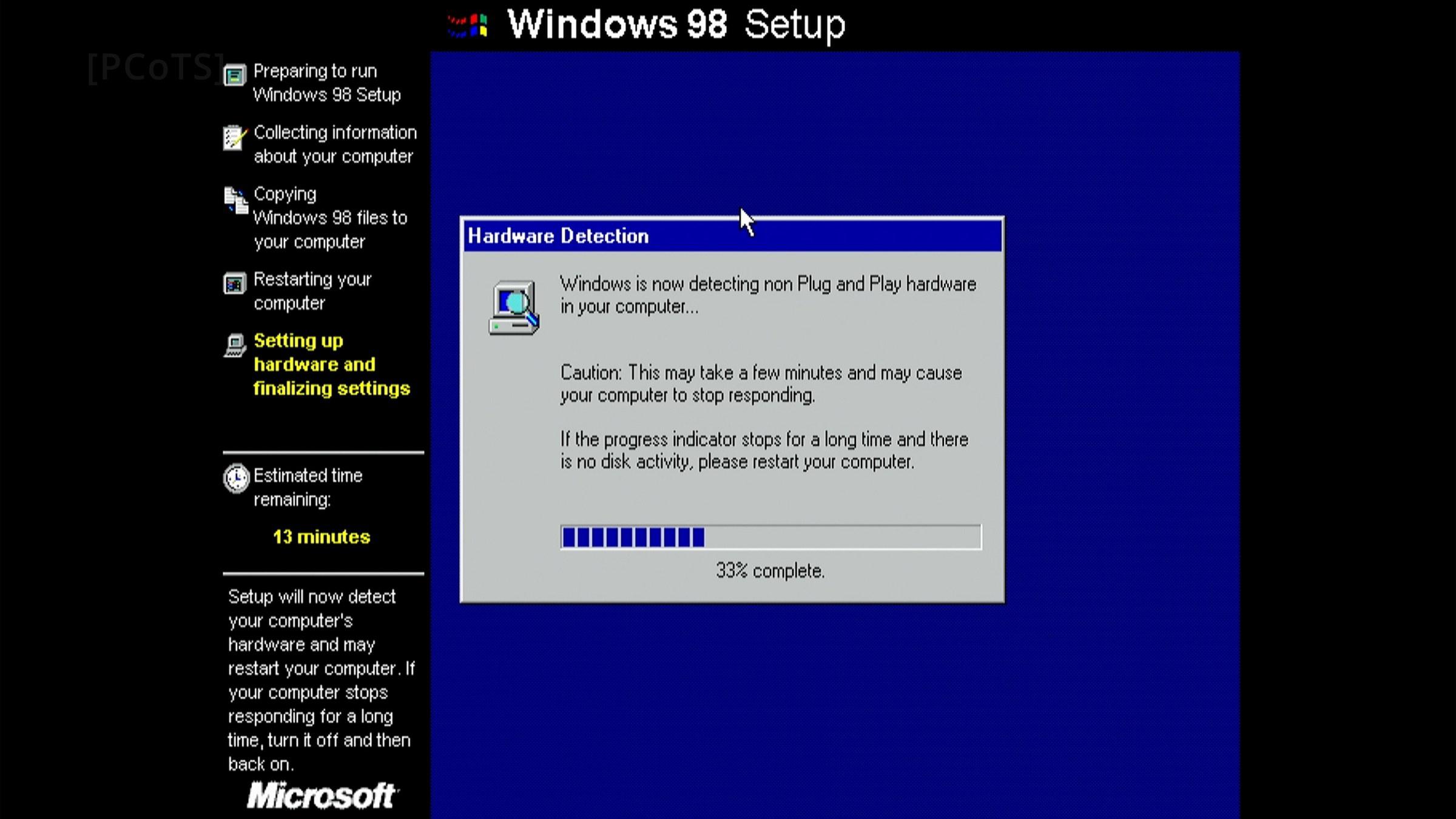
The next obstacle was a device detection hang at 33% of phase 2, after the first reboot once all files are copied. This turned out to be a parallel port which is not even physically present on this PC. The board PCB has some space for a header, but nothing is soldered on and the BIOS is completely oblivious about it, not even offering an option to disable the parallel port. The fix was easy, and I must credit the original Win98 setup here: reboot. After the hang, the setup blacklists the crashed probe and never looks for the device again.
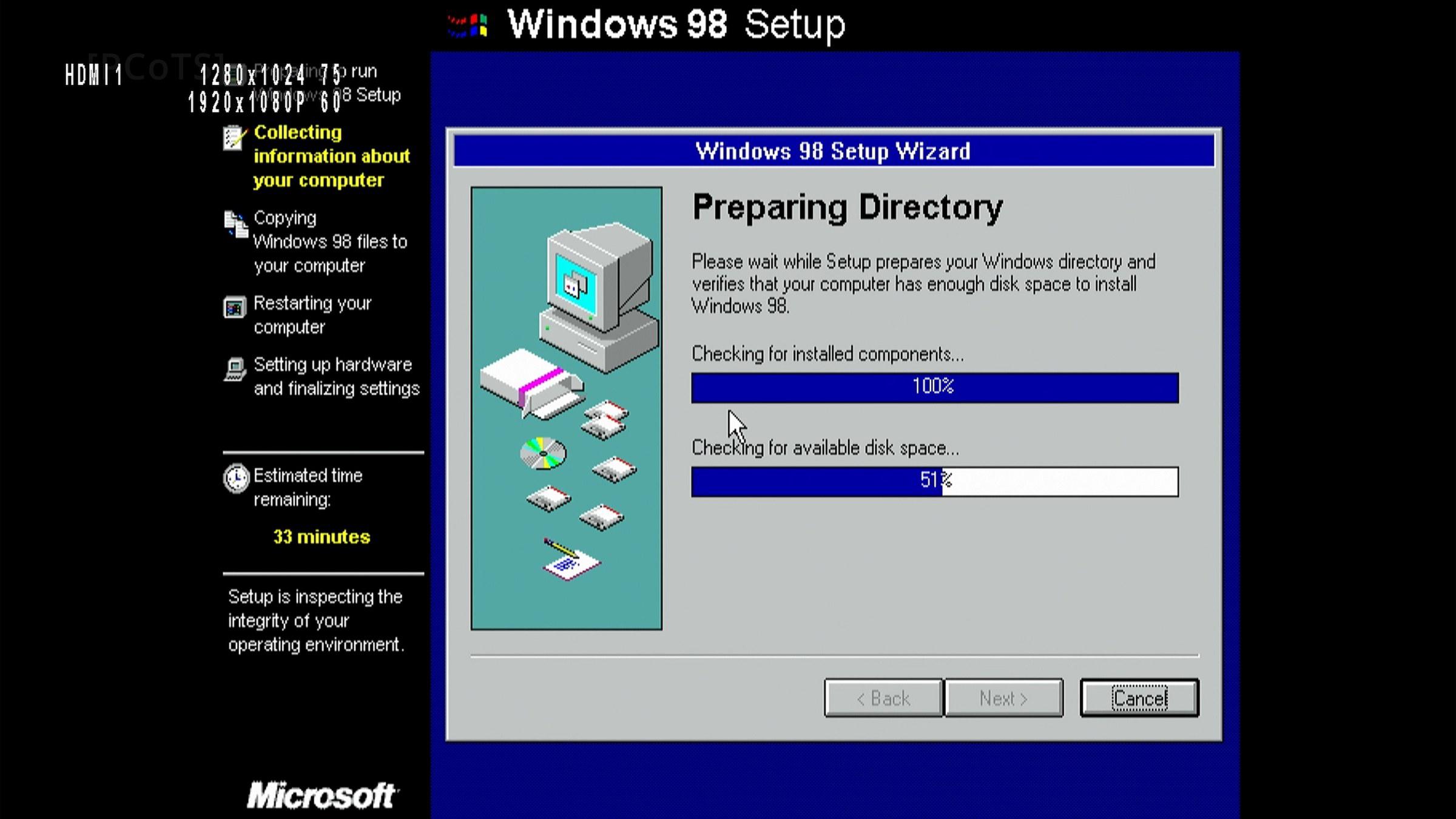
The OS boots up. It is very slow and unstable, every filesystem operation causes a freeze, peripherals are working as emulated PS/2 devices. There is no sound, no GPU acceleration, just a 16-color 640x480 desktop.
Getting it stable
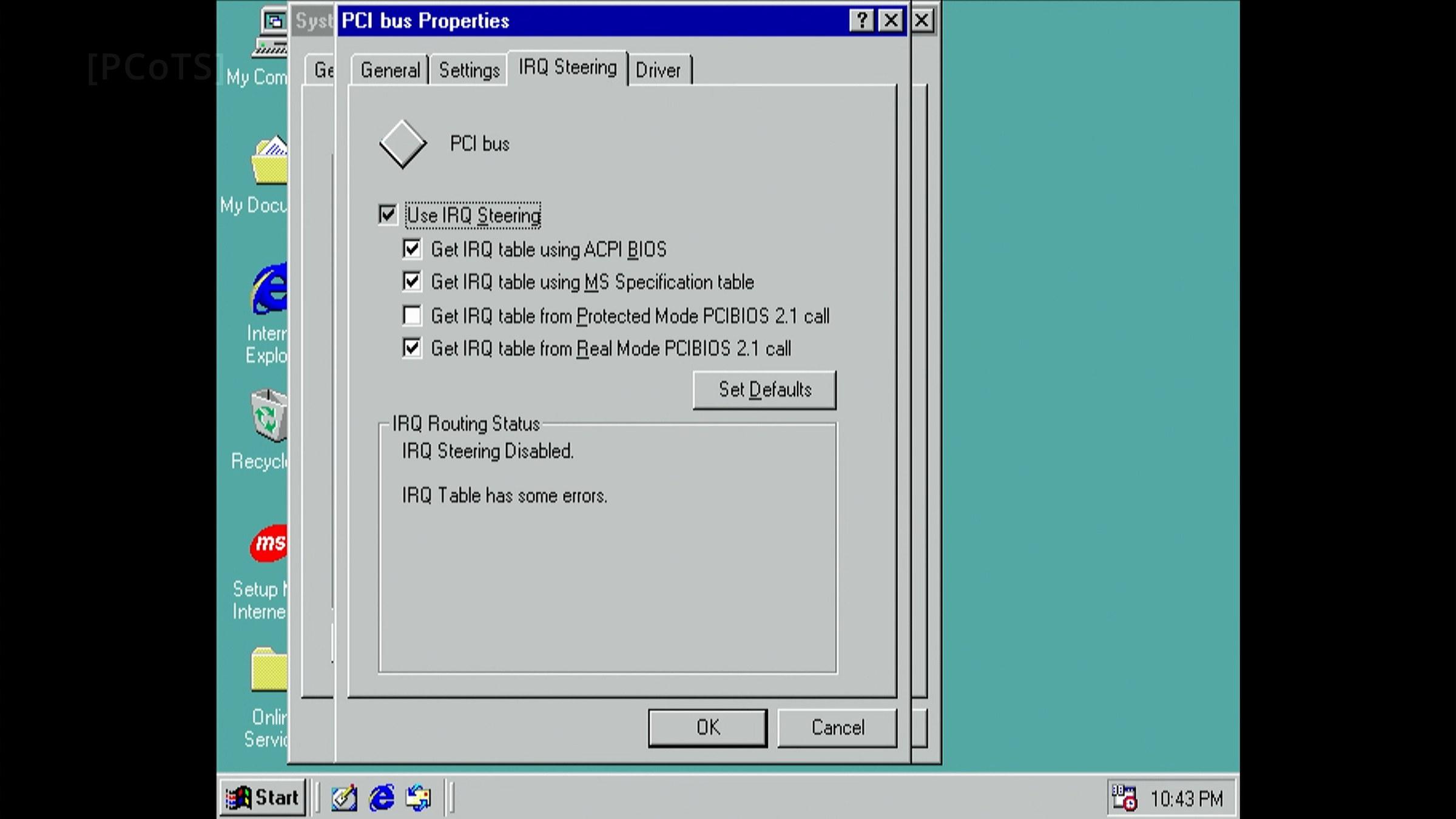
Initially, I suspected some clashes of devices on IRQ lines, so I tried to separate and shuffle them around. This part proved to have multiple root causes ultimately. Some were uncovered thanks to blue-screens and the rest of them only thanks to having a secondary OS at hand.
Using alternative boot profiles I was able to look “through the eyes” of Win98 with better tooling. Booting with acpi=off noapic (the same legacy PIC world Win98 lives in) showed IRQ 11: nobody cared, 100k interrupts in a few seconds. Handlers on the line: pcieport, ehci, firewire, mei_me. Once mei_me was blacklisted the count dropped to 31.
- Multiple devices I didn’t care about were active, but driverless (in Win98), causing interrupt storms. The most dangerous was the MEI, which could not be disabled in this BIOS. I implemented a tool which (on every boot) sets the INTx-disable bit for every such device (function). W9xFix
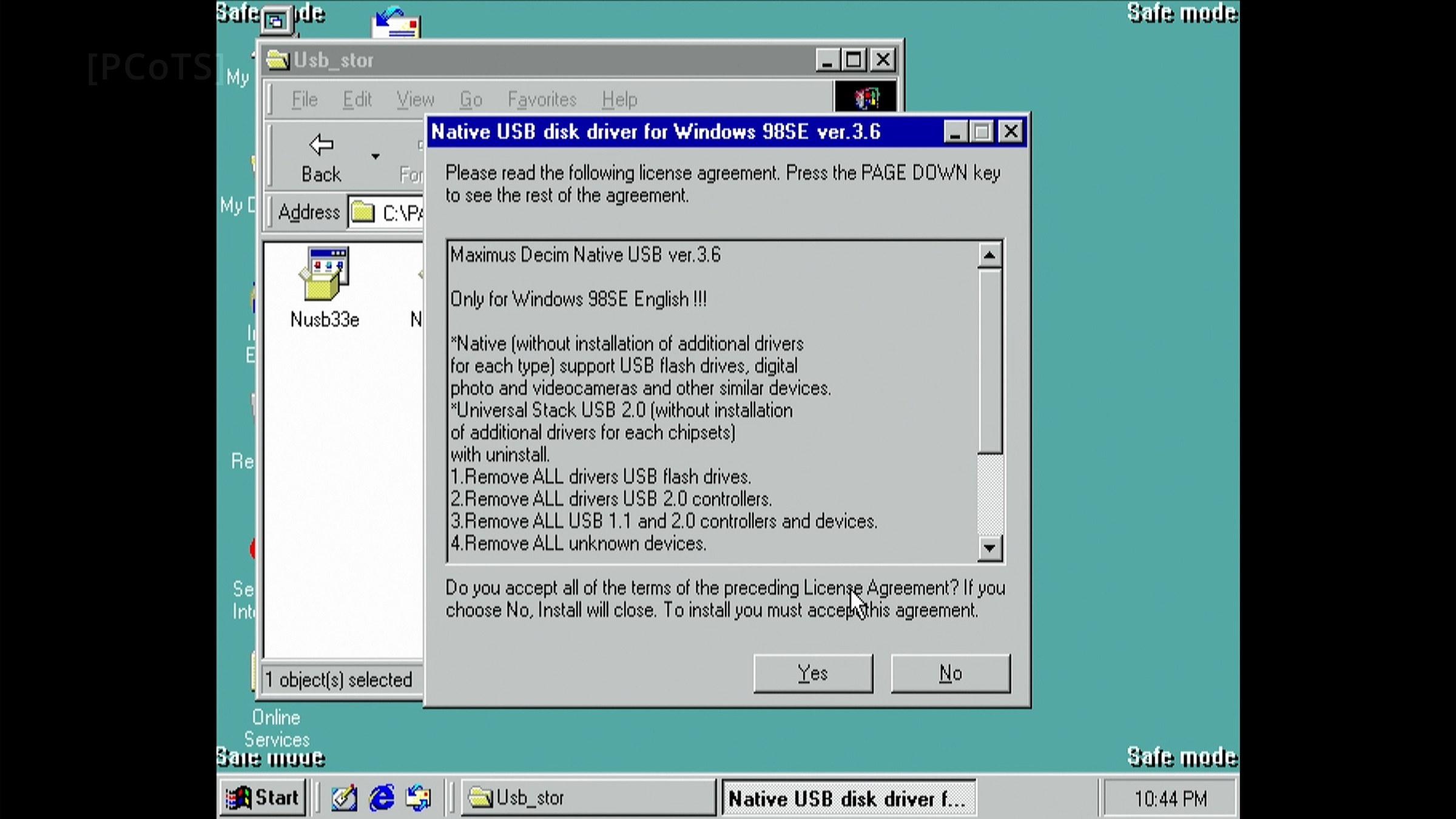
- The EHCI hand-off proved to be a problem. The NUSB package correctly installs drivers for all USB controllers and devices, but NUSB does not do the EHCI BIOS-to-OS hand-off.
The PS/2 keyboard and mouse emulation (BIOS SMM handler) could not be controlled in the BIOS. It is always ON, even after the USB driver takes over.
Windows boots after about 100s, and then the mouse and keyboard update about once per second. Obviously, the stack works only on timeouts, not as intended.
This is another fix done within my tool, right before booting Windows: clear the SMI enables, set the OS-owned bit, wait for the BIOS-owned bit to drop.
w9xfix ehci handoff. The hand-off kills the BIOS keyboard emulation, so it must be the last step before Win98 starts and only after NUSB is installed. - The last but critical issue for the system stability is the ASPM mismatch. The BIOS enables ASPM on old GPUs like my Radeon X550. The GPU’s acceptable exit latencies are below what the root port offers, so by the PCIe rule neither L0s nor L1 may be enabled, yet the BIOS enables both. This was not apparent at first because the GPU was working normally in 3D, even able to run a whole 3DMark test (or two), only to suddenly freeze mid-game. After I crosschecked the GPU under load in Linux, knowing it was not faulty, I spotted the mismatch.
This is the third and last fix provided by my tool:
w9xfix aspm links 0walks every root/downstream port, every function behind it, clears ASPM on the device end first and then the port. There was one hidden (now obvious) land mine: the Radeon X550 (and ATI cards from that era in general) appear as two devices (the second display head is its own PCI function). The ASPM has to be set for both. This is why my early attempts at this fix were failing. - The AHCI driver clashed with the sound driver. This is an interesting coincidence, but two third-party VxDs picked the same ID from the “unofficial” range. Namely it was the Sound Blaster driver (emu10kx VxD) clashing with rloew’s native AHCI patch/driver. The fix is to patch the device ID to 0x0000 (UNDEFINED_DEVICE_ID) in both places AHCI.PDR carries it, the LE header and the DDB. This is fine since Windows matches the controller through the INF on its own.
The three fixes W9xFix applies on every boot, and how portable they are:
| command | how it is done | where it works |
|---|---|---|
intx ... off | sets bit 10 (INTx disable) in the PCI command register of the selected functions | any PCI 2.3+ device (2002 and later); older devices ignore it |
aspm links 0 | walks the PCIe capability of every port and every function behind it; clears the device end first, then the port | any PCIe system |
ehci handoff | writes USBLEGSUP and USBLEGCTLSTS in config space at the assumed EECP 68h, capability ID checked (eecp=XX overrides) | Intel ICH/PCH and most others; moot on Skylake and newer, which have no EHCI |
Table 2 — W9xFix boot-time fixes and their portability.
The Result
Setup was then finalized using standard VxD drivers for the SB0090 (SB Audigy) sound card, the Catalyst 6.2 driver for the Radeon X550 GPU and the DirectX 9.0c runtime.
The paradox of the AHCI driver under Windows 98 on this board: Technically it is easier to get working than the alternative, legacy IDE emulation in the BIOS, and it is naturally faster. What underlines the paradox: I failed to get any AHCI driver, official or not, working under Windows XP on the same machine. There it runs on emulated IDE only.
I have a fully working and very snappy Windows 98 installation now.
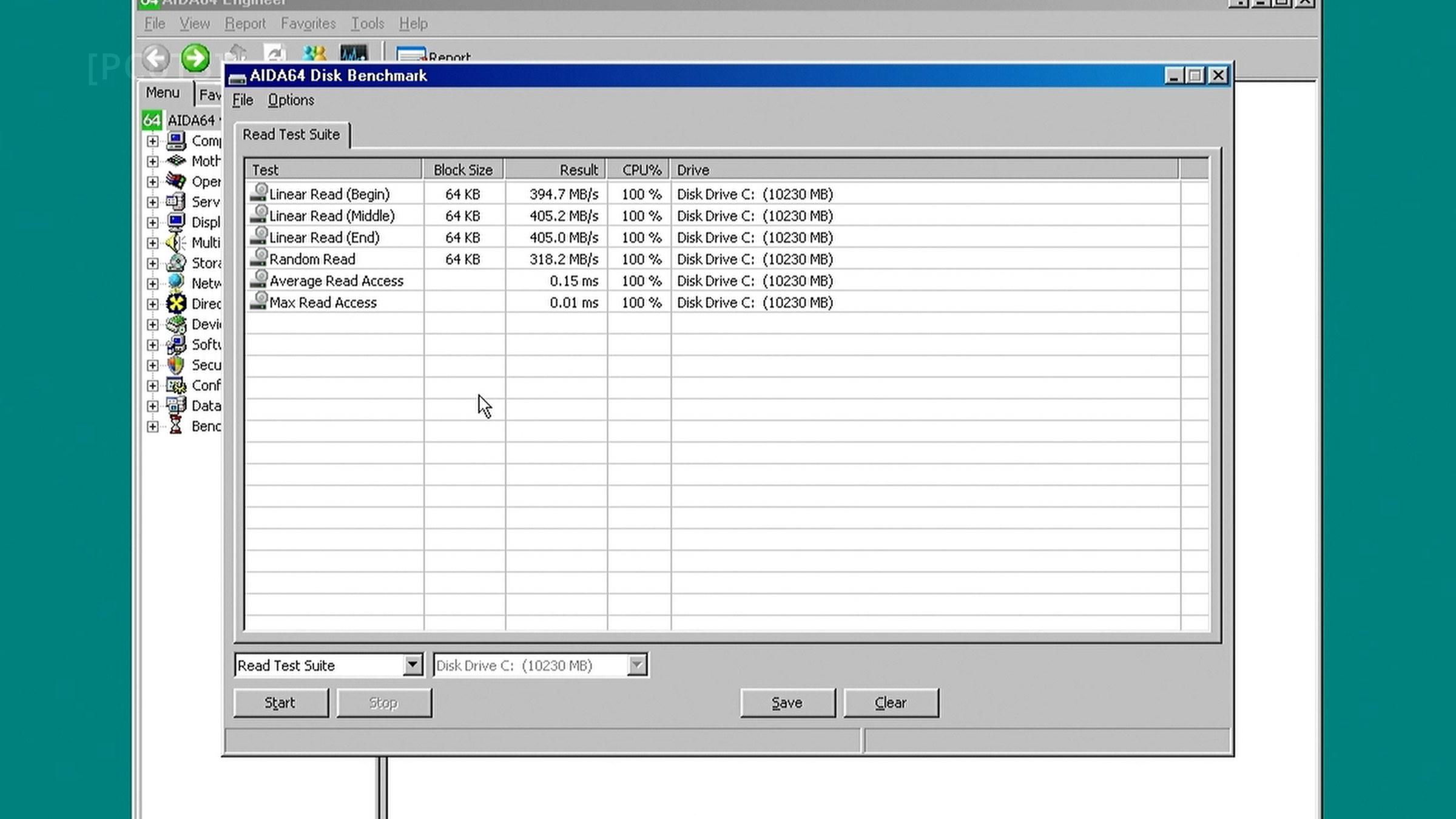
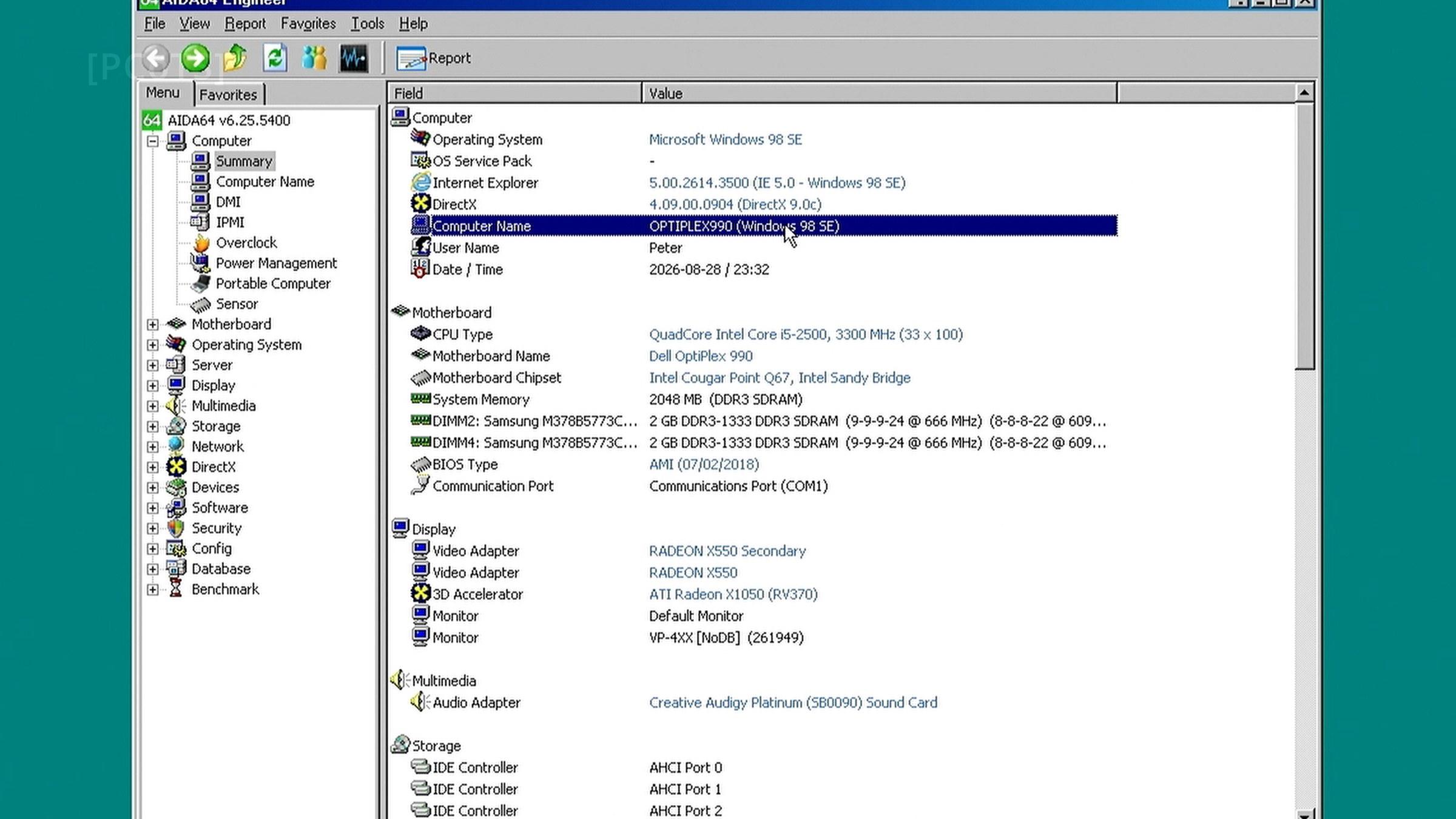
This story is also an episode on YouTube. I am covering additional experience with this setup in my next article. Watch the optiplex-990 topic and the YouTube channel for more details.
References
- VasilijP, W9xFix, the boot-time PCI fix tool built for this project.
- Jack R. Ellis, XMGR, DOS extended memory manager, FreeDOS help.
- “Intel Management Engine”, Wikipedia.
- “Architecture of Windows 9x”, Wikipedia.
- “Useful DOS utilities”, Vogons Wiki.